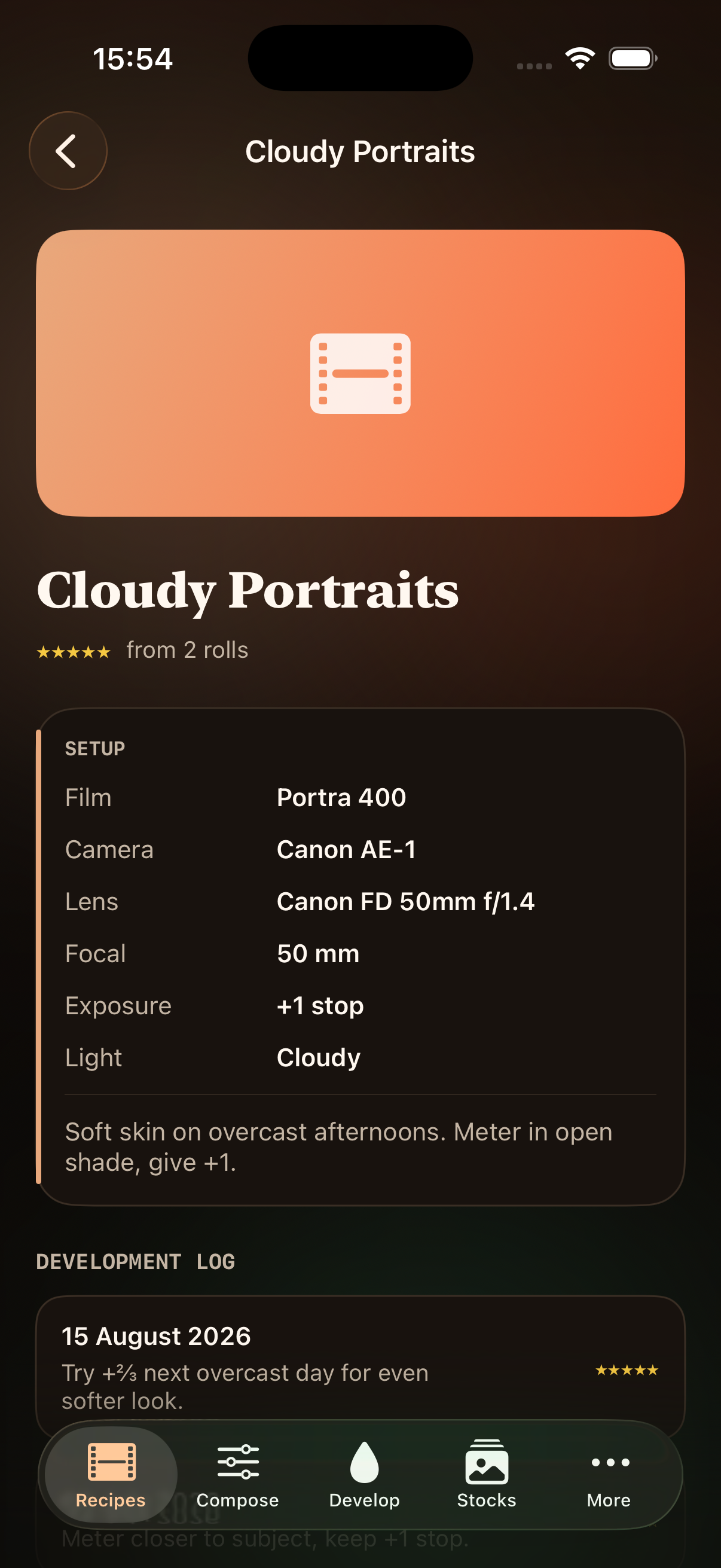
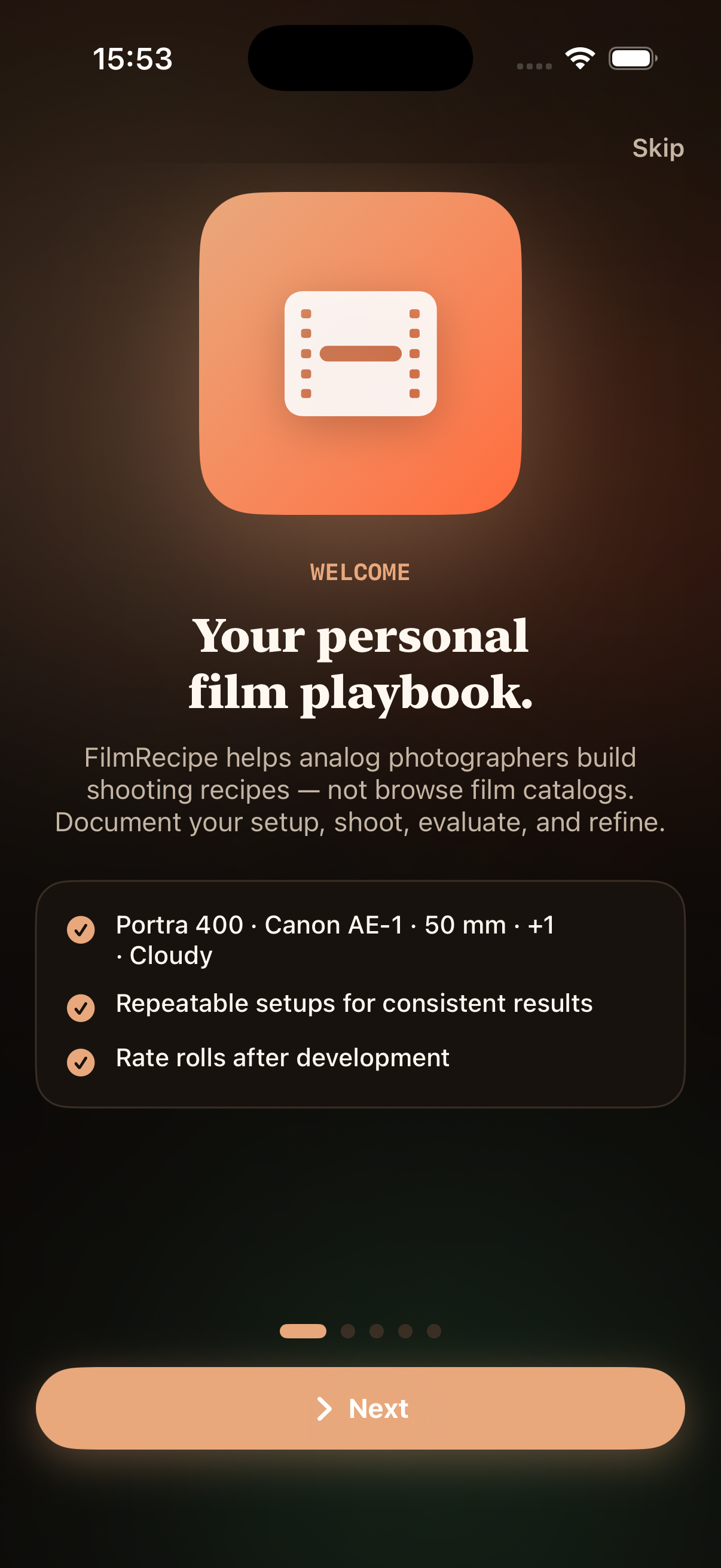
Your personal film playbook — compose shooting recipes, log rolls after development, and refine what works.
Built for shooters, not browsers
Film photography rewards repetition — the same stock, body, and light recipe, shot until you know how it behaves. Oscarp Way is a shooting ledger: document your setup before you load a roll, evaluate results when scans come back, and keep the setups that earn their place in your bag.
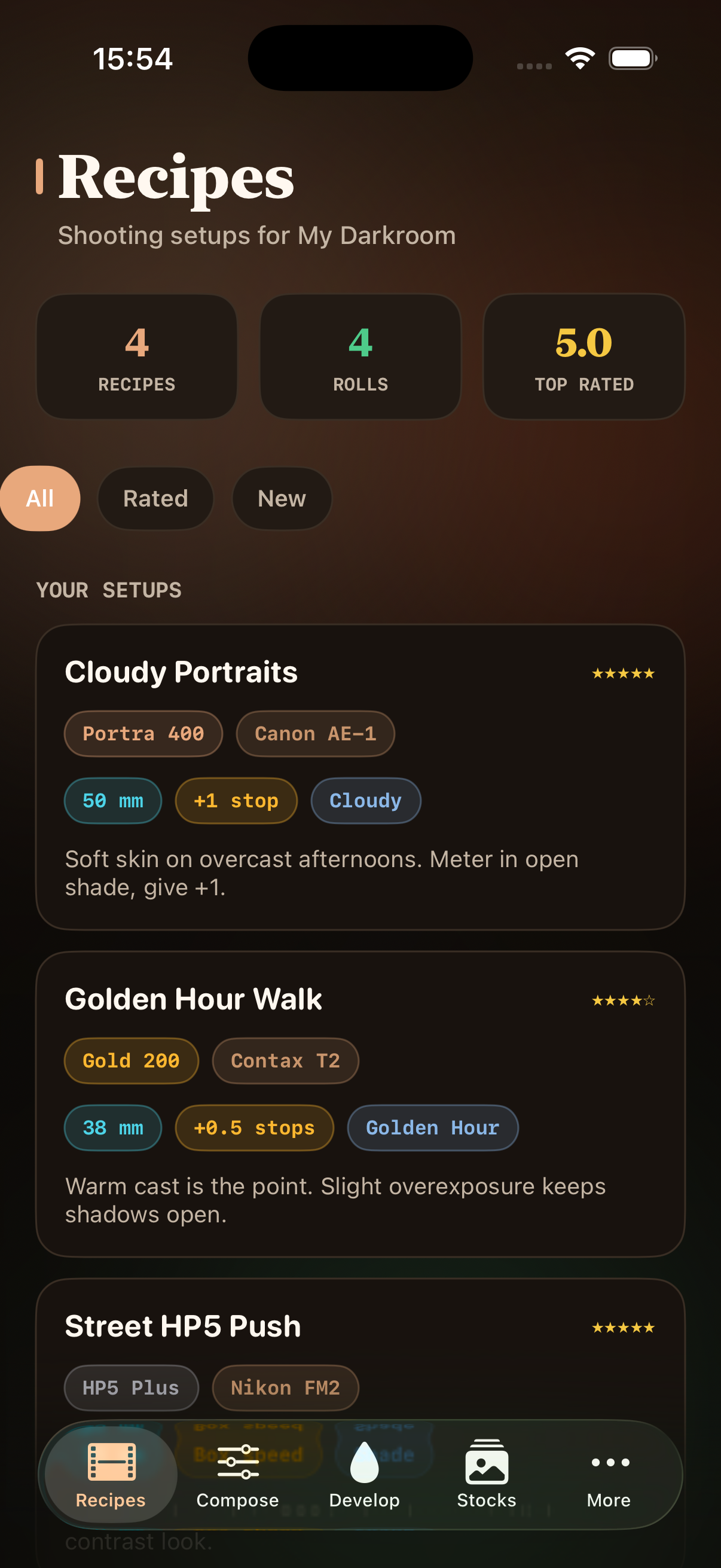
Six focused areas — Recipes, Compose, Develop, Stocks, Gear, and Learn — keep everything in one warm, analog-inspired workspace. Sample recipes ship with the app so you can explore the flow before naming your own darkroom.
How it works
Compose before you load
Pick film stock, camera body, lens, exposure compensation, and light conditions. Save named recipes you can shoot again — Portra 400 · Canon AE-1 · 50 mm · +1 · Cloudy, ready when you are.
Exposure runs from minus one to plus two stops. Eight light presets — sunny, cloudy, shade, golden hour, overcast, tungsten, fluorescent, and mixed — each carry metering tips so your recipe matches the scene you expect.
Develop and rate
When scans return from the lab, log each roll with star ratings and split notes for highlights, shadows, and color cast. Recipes track average satisfaction so your next outing starts smarter.
Roll history stays tied to the recipe that produced it. See which setups earned five stars and which need another pass — without juggling spreadsheets or scattered notes.
Reference without the catalog noise
Eight film stocks, six classic bodies, and in-depth shooting guides inform your recipes — exposure tips, metering advice, and camera quirks without pretending to be a film database.
Inside the app
Recipes list your saved setups with film, camera, and light at a glance. Compose walks you through building a new recipe step by step.
Develop tracks rolls after the lab returns scans — rate results and note what to change next time. Stocks and Gear offer quick reference when you are choosing what to load.
Privacy Policy
Effective August 26, 2026
Oscarp Way is developed for photographers who want a private shooting ledger on their own device. This policy explains what information the app handles.
We do not collect personal data. Recipes, roll logs, ratings, and notes you create are stored locally on your iPhone or iPad. The app does not require an account, and we do not operate servers that receive your shooting data.
The app does not use analytics SDKs or advertising networks. We do not sell or share user information because we do not collect it in the first place.
If you contact us by email, we use your message only to respond to your request. Standard email providers may process message metadata according to their own policies.
Apple may collect diagnostic or crash information if you opt in through iOS settings. That data is handled under Apple’s privacy policy, not by us directly.
We may update this policy when the app changes. Continued use after an update means you accept the revised policy. Material changes will be reflected on this page with a new effective date.
 Compose walks you through building a new recipe step by step.
 Stocks and Gear offer quick reference when you are choosing what to load.